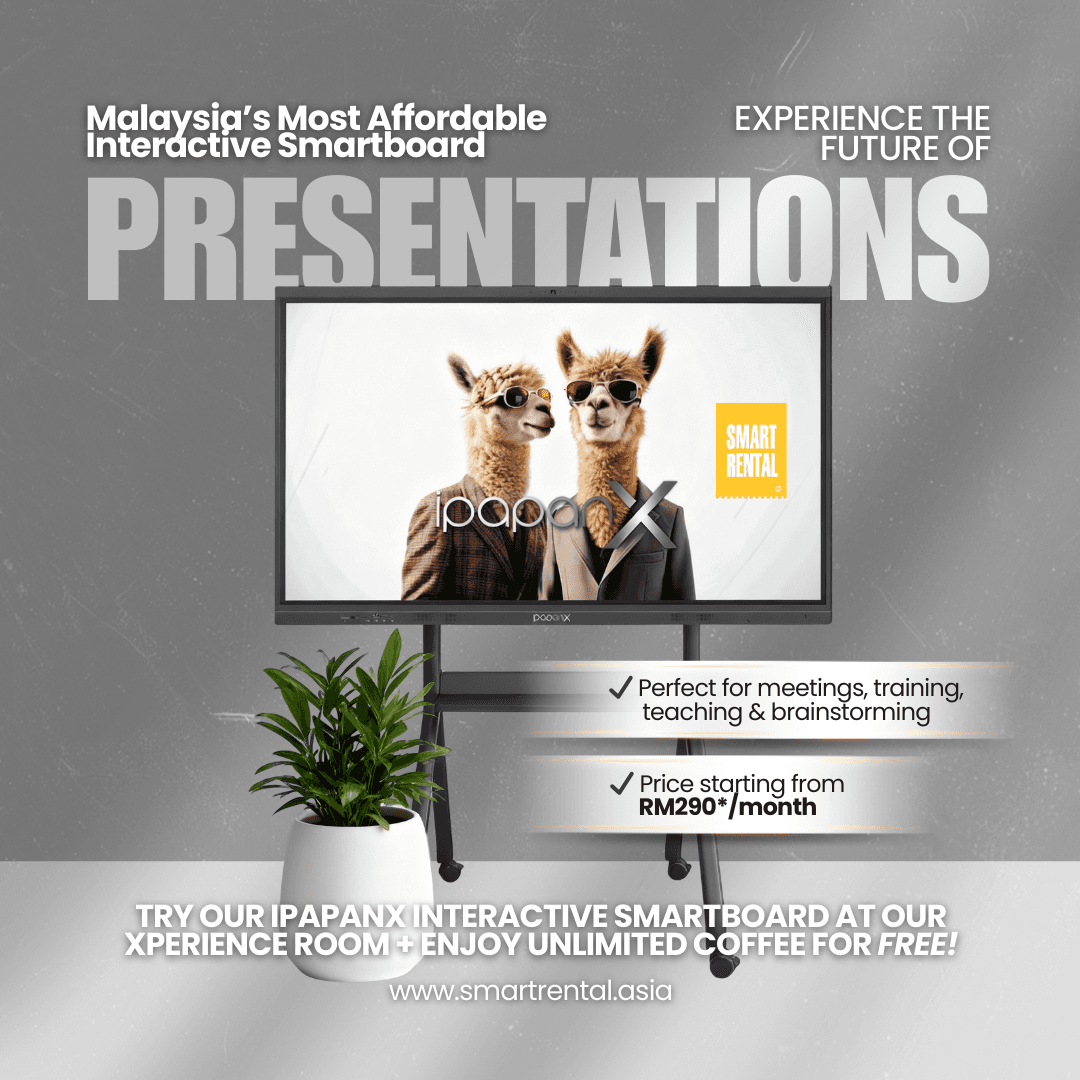
A school does not need a campus-wide technology budget to make one classroom more visual, collaborative, and engaging. Interactive board rental for schools gives administrators a practical way to introduce shared-screen learning without tying up funds in equipment that may not suit every room, subject, or teaching style.
For a principal, IT coordinator, or operations manager, the decision is not simply about getting a larger display on the wall. It is about keeping lessons running, managing limited budgets, and making sure teachers can use the technology with confidence. Renting can turn that decision into a manageable monthly or project-based expense rather than a major capital purchase.
Why schools are considering interactive boards
An interactive board brings a digital workspace to the front of the room. Teachers can display presentations, annotate documents, play video, run interactive exercises, and invite students to contribute directly on screen. In a science lesson, that may mean labeling a diagram together. In language class, it can mean moving words into the right order. For a staff meeting, the same board can support planning, training, and presentations.
The value comes from how the board fits into instruction, not from the screen alone. A board that is too small for the classroom, difficult to connect, or unsupported when a problem occurs can quickly become underused equipment. That is why schools should treat the board, mounting, connectivity, software compatibility, delivery, and technical support as one operating decision.
Rental is especially useful when a school is testing a new teaching approach, opening a temporary learning space, hosting an event, or expanding enrollment. It also gives education teams a way to standardize technology across selected classrooms before committing to a larger rollout.
When interactive board rental for schools makes sense
Buying may be the right choice when a school has confirmed long-term needs, secure capital funding, and internal capacity to maintain equipment over several years. Rental is often the stronger fit when flexibility matters more.
A short-term rental can support exam-preparation programs, holiday workshops, parent information sessions, teacher training, or school events. Instead of purchasing equipment that may sit idle after a program ends, the school can rent for the period it is needed.
Longer subscription plans can work well for schools that want modern classroom technology while keeping monthly spending predictable. This approach can be helpful for private schools, tuition centers, learning hubs, and organizations managing several sites. Rather than paying a large amount at once, they can allocate technology costs over a set term and preserve cash for staffing, curriculum, facilities, and student services.
There is a trade-off. Rental costs over a long period may not always be lower than an outright purchase. The benefit is financial flexibility, access to support, and the ability to adapt when requirements change. Schools should compare the total cost for the intended period, not only the monthly figure.
Start with the classroom, not the product sheet
The most useful rental plan begins with a clear picture of where and how the board will be used. A board for a small tuition room has different requirements from one installed in a bright lecture hall or a multipurpose area.
Match screen size to viewing distance
Students at the back of the room must be able to read text, diagrams, and video captions without straining. Room dimensions, seating layout, and mounting position all affect the right screen size. A larger board is not automatically better if it overwhelms a narrow room or requires awkward viewing angles.
Ask whether the board will be wall-mounted or used with a mobile stand. A mobile setup can be valuable when one device needs to serve several classrooms, but it should be stable, easy to move, and positioned safely away from busy walkways.
Check the devices teachers already use
Most teachers need simple connection options for their laptops and other teaching devices. Before renting, identify the common ports and operating systems used by staff. Consider whether the board will need wired connections, wireless screen sharing, internet access, a built-in computer module, or access to specific classroom applications.
This prevents a common frustration: a capable board that cannot easily display the materials teachers have already prepared. Compatibility should be confirmed before delivery, particularly when schools use older laptops, specialist software, or a mixed fleet of devices.
Plan for sound, power, and internet
A board may have built-in speakers, but a large room or video-heavy lesson may need additional audio. The installation point also needs safe power access and dependable connectivity where online resources are part of daily teaching. If Wi-Fi is inconsistent in some classrooms, discuss practical alternatives before the board arrives.
Make support part of the rental decision
A lesson timetable leaves little room for technical delays. When a board will be used every day, the quality of support can matter as much as its display resolution or touch points.
Look for a provider that can coordinate delivery, setup expectations, troubleshooting, and maintenance. Ask what happens if the board develops a fault, how support requests are handled, and whether protection options are available. Schools should also clarify who is responsible for basic daily care, cleaning, moving the equipment, and reporting issues.
At Smart Rental, the wider subscription model is built around business-ready technology, flexible durations, preventive maintenance, technical assistance, and protection options such as Smart Care Insurance. For education teams, that service-focused approach helps reduce the risk of a technology purchase becoming another burden for a small administrative or IT team.
Teachers also benefit from a short handover session. They do not need advanced technical training, but they should know how to switch inputs, connect a laptop, use core annotation tools, adjust sound, and request help. A simple start-of-term orientation can make the difference between a board used daily and one left on standby.
Build a rental plan around actual demand
Schools often overestimate what must be deployed at once. A pilot in one or two representative classrooms can reveal whether the screen size, installation style, and software workflow are right.
Choose rooms with teachers who are willing to test the equipment and share honest feedback.
During the pilot, track a few practical details: how often the board is used, which subjects benefit most, whether connection issues occur, and whether students can see and interact comfortably. Feedback from teachers, not just administrators, should guide the next phase.
If the board is intended for a shared room, create a booking process and assign a staff member to check it between uses. If each classroom has its own board, establish basic routines for powering down, storing accessories, and keeping the display clear of markers or materials that could cause damage.
Questions to ask before placing an order
A clear conversation with the rental provider helps schools avoid surprise costs and delays. Confirm the rental duration, device specifications, delivery date, installation arrangements, deposit or payment terms, support coverage, and the process for extending or ending the plan.
It is also worth asking whether the quoted equipment includes the stand or wall-mounting hardware, cables, remote controls, and any required accessories. If the board will be moved between rooms, verify that the chosen stand is designed for that use. For longer plans, ask how maintenance and replacement are handled if the equipment fails during the school term.
Finally, be specific about the environment. Share room photos, approximate dimensions, floor level, lift access, and preferred installation location when relevant. Good preparation helps delivery teams arrive with the right equipment and gives the school a more reliable first day of use.
Technology that supports teaching, without the ownership pressure
An interactive board should make it easier for educators to explain, demonstrate, and involve students. It should not force a school to postpone other priorities because too much budget has been committed upfront. Renting gives education organizations room to test, scale, and adjust while keeping the focus where it belongs: on a classroom where technology is ready when the teacher needs it.